Compare Mac remote desktop apps
Last verified November 24, 2026
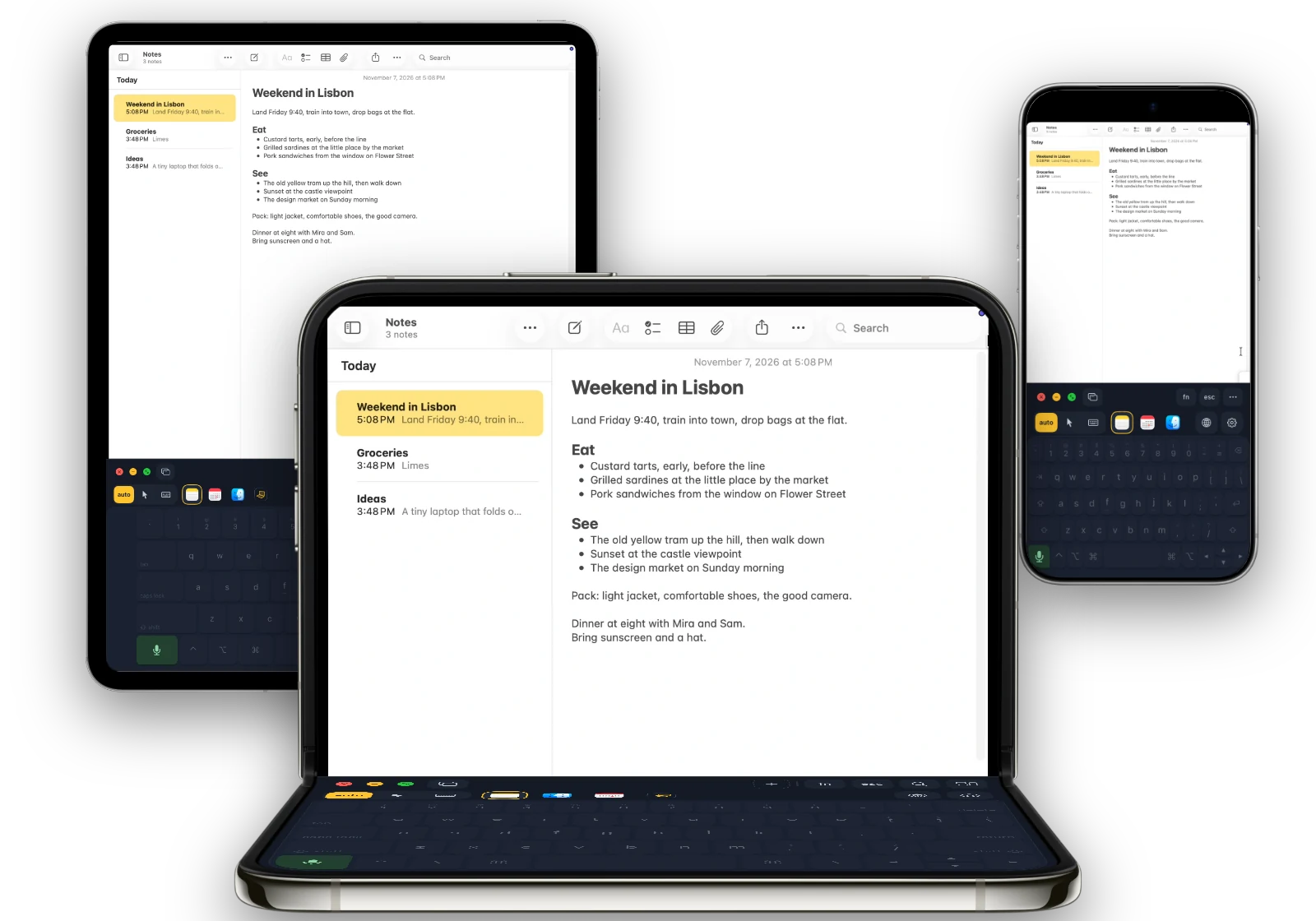
One Mac app · Every Apple pocket & tablet
See why phone-first remote desktop looks different.
Most remote desktop apps were built to shrink a 27-inch desktop onto an iPad or laptop. On a phone or folded iPhone Duo, that leaves you squinting at tiny toolbars while the standard iOS keyboard hides half your work.
Every comparison below weighs real phone ergonomics — display reshaping, Mac modifier keys, trackpad feel, privacy architecture, and total cost — so you can pick the right tool in two minutes.
Best Remote Desktop Apps for Mac from iPhone & iPhone Duo (2026)
Nine ways to control a Mac from an iPhone compared side by side: taco, Jump Desktop, Screens 5, Yosei, Sill, Remio, Chrome Remote Desktop, RustDesk, and built-in macOS Screen Sharing (VNC).
iPhone Duo Mac Apps Compared: taco vs. Yosei vs. Sill vs. Remio
Comparing the four 2026 apps built around the iPhone Duo’s foldable laptop form factor: display reshaping, open-source single-window streaming, cross-platform HDR, and input ergonomics.
taco vs. Screens 5 (Edovia)
Folded laptop deck and auto-reshaped Noise P2P vs. Apple’s veteran VNC and High Performance Screen Sharing client.
taco vs. Jump Desktop
Mac-first phone ergonomics and zero cloud accounts vs. Jump Desktop’s one-time cross-platform Fluid/RDP client.
Try taco on your iPhone Duo, iPhone, or iPad
Test the keyboard and trackpad right now using the built-in Practice Mac in the free iOS app — then pair your own Mac in a minute.
Free for 7 days, no credit card required. Then $19 a year.
Get taco for iPhone and iPad, free on the App Store.