Guides for using your Mac from an iPhone
Last verified November 24, 2026
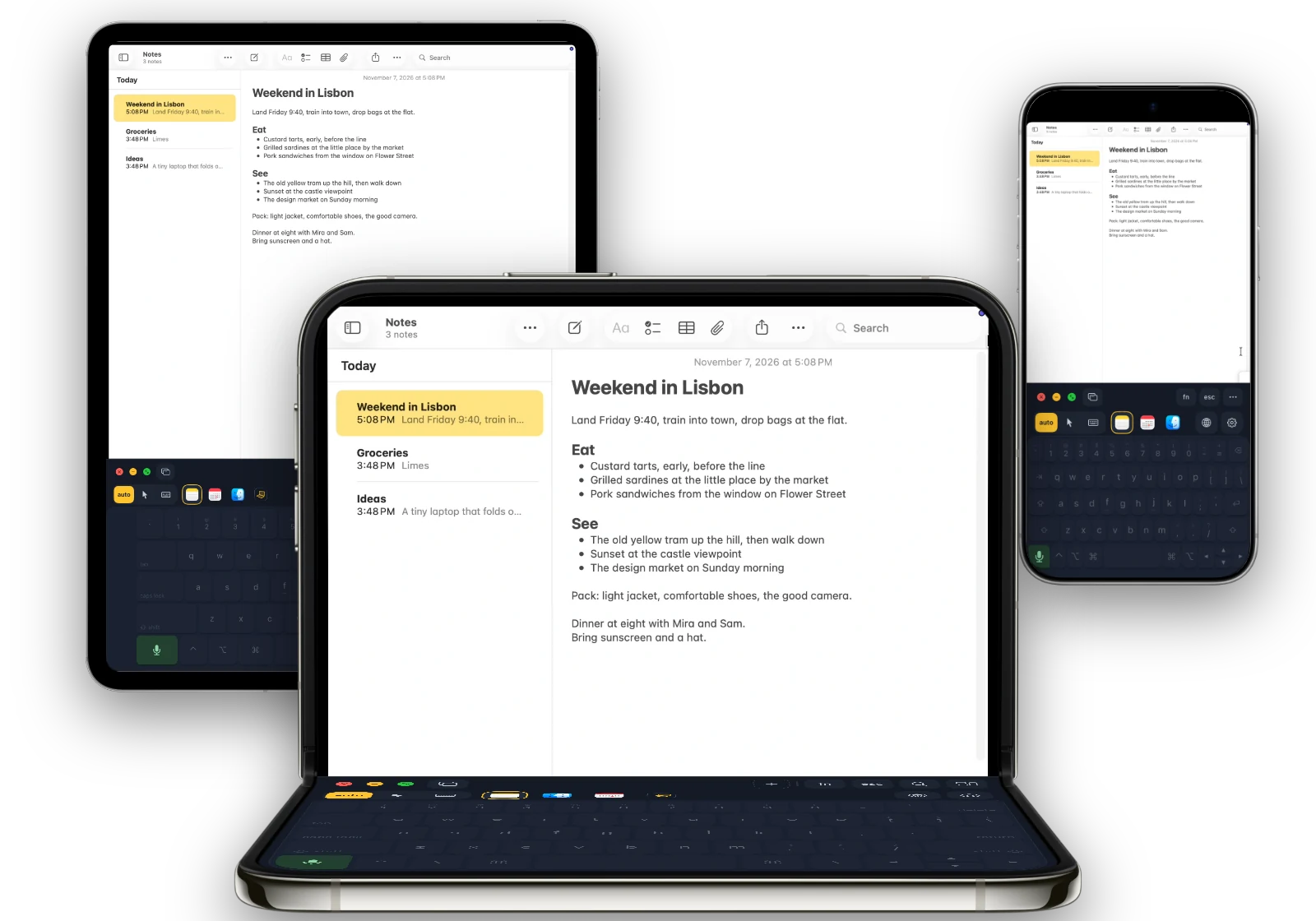
Step-by-step · Real hardware
From your desk to your pocket in a minute.
Whether you’re figuring out why Apple’s iPhone Mirroring won’t show your Mac on your phone, wiring up away-from-home access over Tailscale, or dialing in an iPhone Duo laptop workflow, each guide walks through exact steps with zero fluff.
How to Screen Share & Control Your Mac from an iPhone or iPhone Duo
Why Apple’s built-in iPhone Mirroring only goes the opposite way (iPhone → Mac), the 3 real ways to view and control a Mac from an iPhone, and exact macOS permission steps.
Access Your Mac from Anywhere on iPhone with Tailscale (Zero Cloud Relay)
Connect to your Mac over 5G, hotel Wi-Fi, or café networks using your own encrypted Tailscale tailnet — no port forwarding, no relay accounts, and remote lock-screen unlock.
Using an iPhone Duo as a Pocket MacBook in Folded Laptop Mode
Display reshaping, window restoration, fused Mac keyboard + trackpad gestures, hinge command bar shortcuts, and hold-to-dictate.
Security & Peer-to-Peer Cryptography in taco
Inside Noise_XX_25519_AESGCM_SHA256, Curve25519 key pinning, QR and commit-and-reveal pairing, and measured Apple silicon CPU overhead.
Try taco on your iPhone Duo, iPhone, or iPad
Test the keyboard and trackpad right now using the built-in Practice Mac in the free iOS app — then pair your own Mac in a minute.
Free for 7 days, no credit card required. Then $19 a year.
Get taco for iPhone and iPad, free on the App Store.